![cascade-lockup-dark.png]](https://knowledgebase.cascadedebt.com/hs-fs/hubfs/Logos%20(new)/cascade-lockup-dark.png?height=40&name=cascade-lockup-dark.png)
Opening it
Click the inbox icon in the lower group of the left-hand rail. The panel opens over the page you are on — you do not have to navigate away.
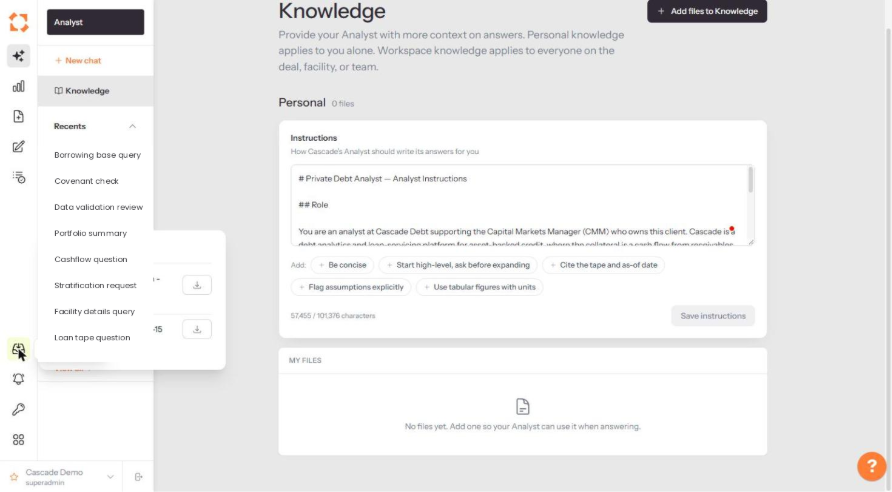
What you see
|
Element |
Meaning |
|
Job name |
The report type and the entity or facility it covers. |
|
Date |
The effective date of the data the report was built from. |
|
Status |
Where the job has got to. Completed jobs are ready to download. |
|
Download icon |
Retrieves the finished file. |
How jobs get here
Anything you start with + Generate on the Generated Exports page appears in this panel. So do reports triggered from elsewhere in the platform. You can navigate freely, switch modules, even switch company — the job keeps running.
Reports Progress or Generated Exports?
Use Reports Progress while a job is in flight and for the handful you have produced most recently. Use Generated Exports when you want the permanent register — everything ever produced, filterable by creator, facility, name and date, with the same download links.
Think of Reports Progress as the printer queue and Generated Exports as the filing cabinet.